Mark questions answered or skipped
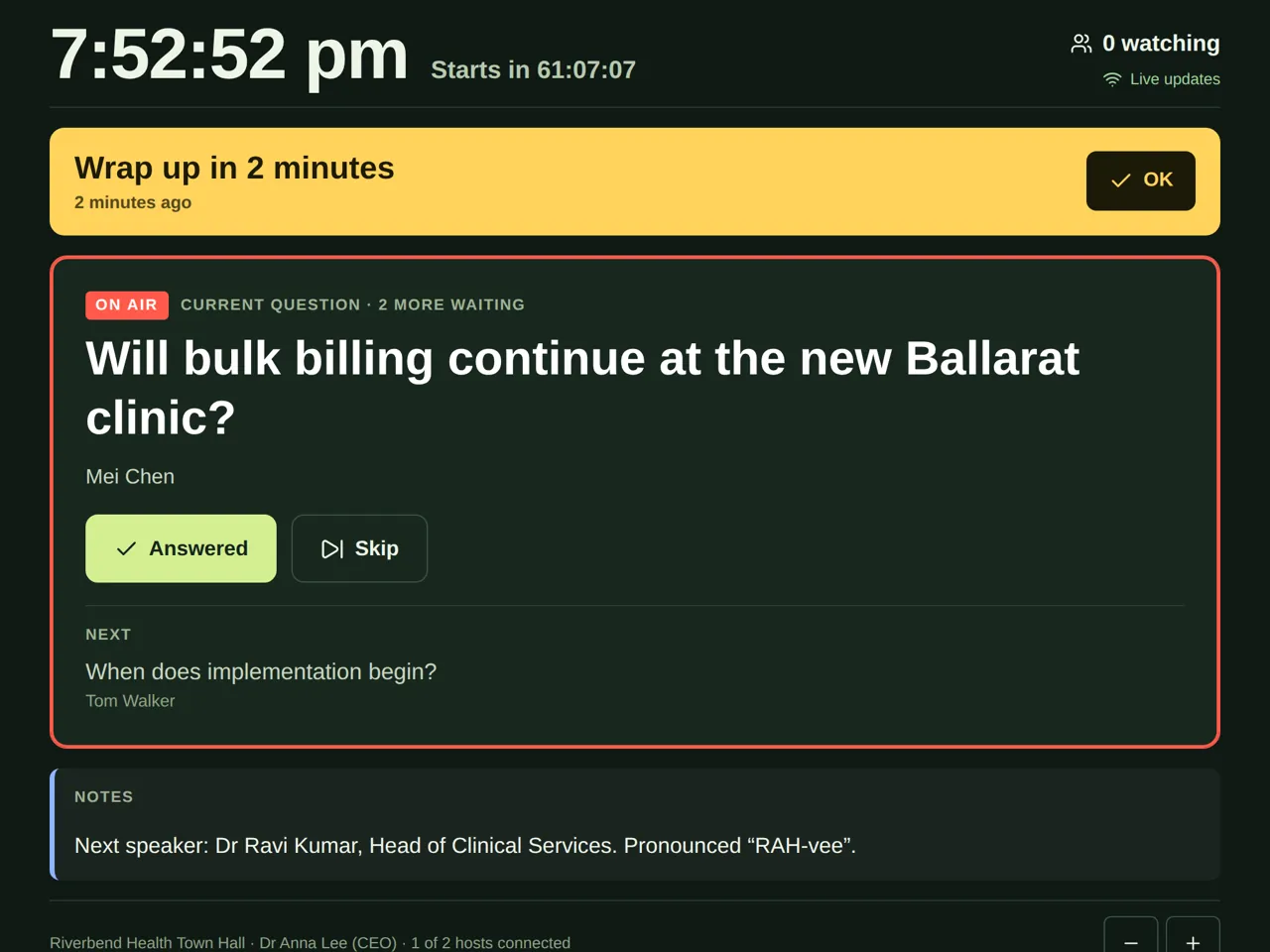
Tap Answered or Skip, or swipe the question sideways, to move to the next one.
When you've dealt with a question, mark it so the next one moves up. This also tells the producer and control room where you're up to.
Steps
- Ask the Current question.
- When you're done, tap Answered. The next question moves up.
- To pass over a question, tap Skip.
On a phone or iPad, you can also swipe the question sideways to mark it answered.
Made a mistake?
Look under Recently. It lists the last few questions answered or skipped. Tap Undo next to one to put it back.
Good to know
- The wording may have been tidied up by the moderators. The original question is still kept, word for word, for the records.
- If there are several hosts, you only see questions meant for everyone, or for you.
- Questions only reach you once the producer sends them. Producers: see Send a question to a host.