Open your host page
Open your private host link on a phone or iPad. You don’t need to sign in.
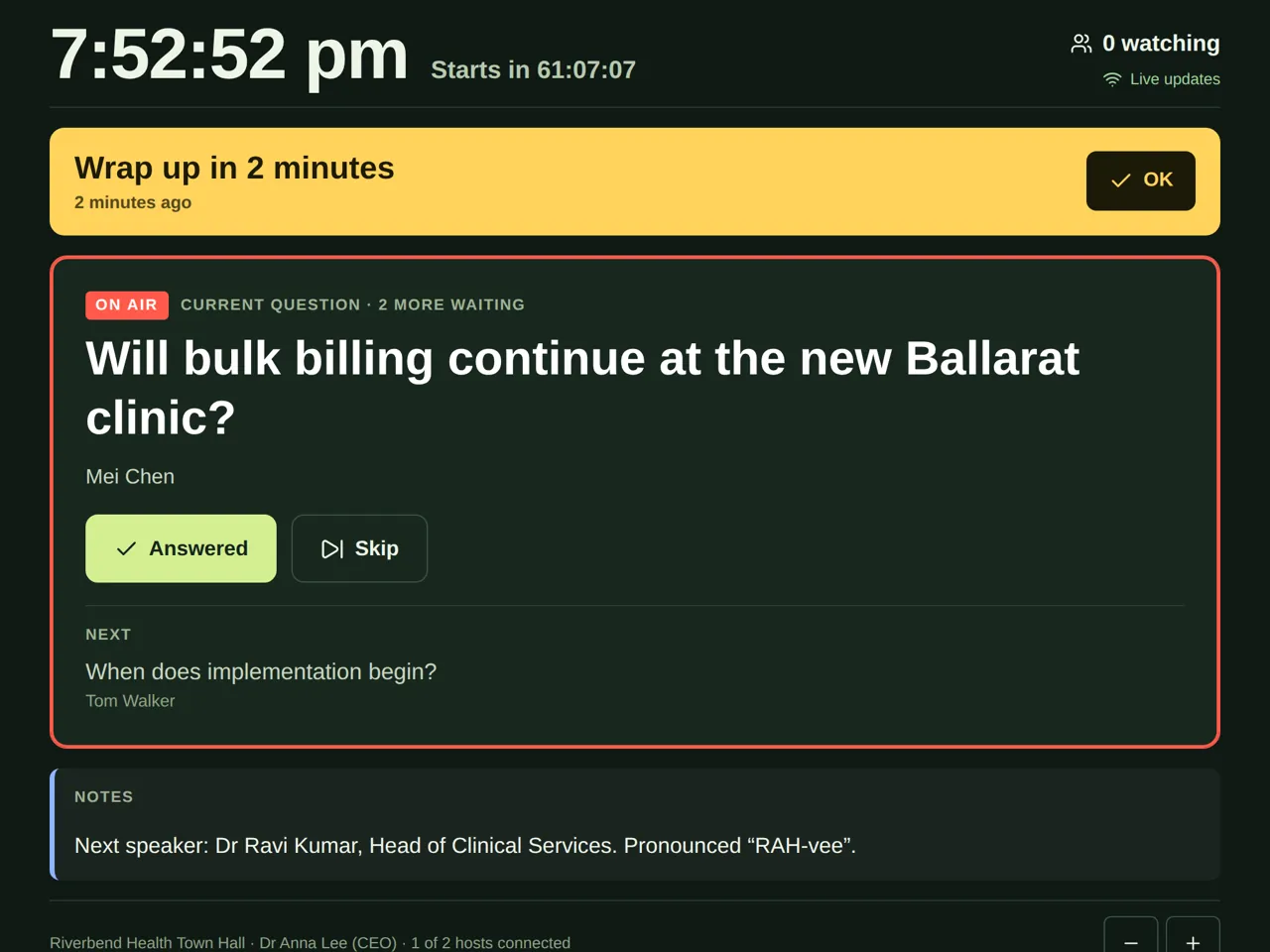
This page is for hosts: the people on stage or on camera, such as an MC, a CEO or a panel. Your host page shows you the audience's questions, plus cues and notes from the producer, on your phone or iPad.
Steps
- The producer sends you a private link, usually by text message. It looks like
livestreamvideo.com.au/host/…. They might also show you a QR code to scan. - Tap the link. The host page opens. You don't need to sign in.
- Keep the page open on your phone or iPad. The screen stays awake while the page is open.
Keep your link private
- Your link is just for you, and just for this event. Please don't share it.
- It stops working 12 hours after the event finishes.
- It stops straight away if the producer cancels it.
If it doesn't work
- If you see “This host link has expired or been cancelled. Ask the producer for a new one.”, ask the producer to make you a new link.
- If the page isn't updating, reload it. If that doesn't help, ask the producer to check that you show as connected.