Run breakout rooms, workshops or simultaneous stages at the same time. Each room has its own live stream, questions, polls and producer. Your audience registers once and moves between rooms from the event page.
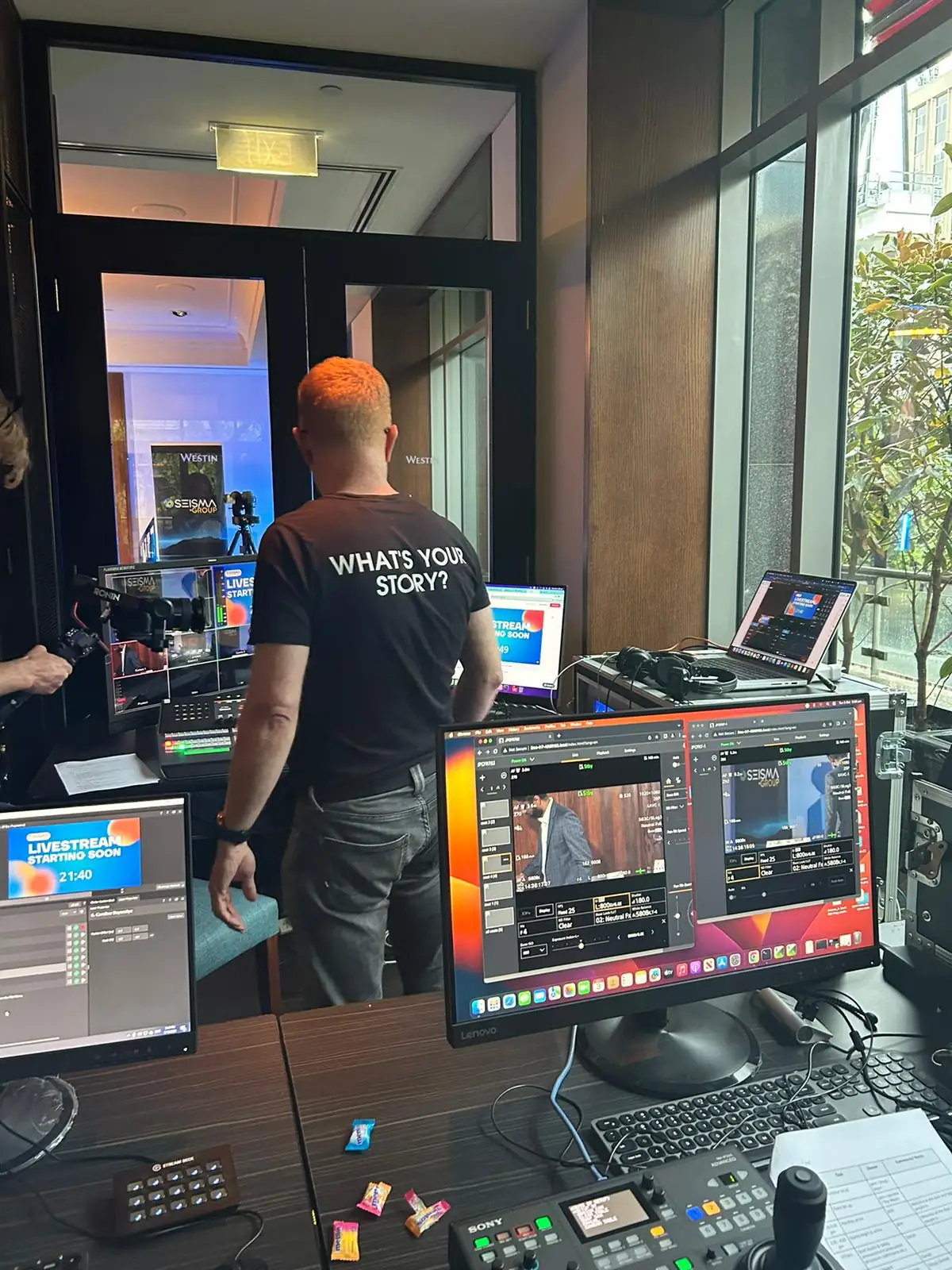
YOUR LIVE PRODUCTION TEAMPrepared. Experienced. On your side.JPC live production · Westin MelbourneSee what your viewers experience↗
Some of our live stream clients
PRODUCED BY THE JASPER PICTURE COMPANY PTY LTD
A conference programme, not a single stream.
Conferences rarely happen in one room. Breakout rooms let your online audience follow the programme the way people in the venue do: choose a session, take part, then come back together for the next keynote.
01
Every room is a full event
Each room has its own live stream, moderated Q&A, polls, word clouds, on-screen questions and announcements, attendance report and producer page. It starts with the main event’s colours, logo and holding slide, so the whole programme looks like one event.
02
One registration, every room
Access belongs to the main event. People who register, are on the invite list or join with their name can open every room without signing up again. The main event’s producers run every room, so there are no separate permissions to set up or remember to remove.
03
Easy to move between rooms
Every page of the event shows the rooms as tabs, with a live marker on the rooms that are on air. Each room also has its own address, such as livestreamvideo.com.au/events/your-event/room/workshop-a, for agendas, signage and QR codes.
04
Bring everyone together when it’s time
When the next session or the closing keynote is about to start, the producer sends a prompt to every room. Viewers see a “Join now” banner with one button to get there. Nobody is moved automatically, so no one is cut off mid-answer.
05
A stream for each room on air
Each room broadcasting at the same time needs its own camera and encoder setup and its own Castr stream, with an optional backup. When a producer goes live, the room takes a free stream channel automatically. We plan crew, encoders and streams per room and confirm how many can run at once on your streaming plan.
06
Attendance across the whole programme
Each room records who watched and for how long. The registration list adds up each person’s minutes across every room, so you can see who came to which sessions.
A GOOD PLACE TO START
What to include in your brief.
Your rooms, session times and which ones run at the same time
Cameras, audio and an encoder for each room broadcasting live
Up to 20. How many can be on air at the same time depends on the streams and production setup for each room. We confirm that for your programme and streaming plan.
Do viewers need to register for each room?+
No. One registration, invitation or guest name covers the main event and all its rooms.
Who can run each room?+
The main event’s producers can open and run every room. Your team decides who looks after which room on the day, and JPC crew can run rooms for you.
How are these different from Zoom or Teams breakout rooms?+
A video-call breakout room is a small group talking on camera. Ours run alongside the main event like the breakout sessions at a venue: each room is a produced broadcast that the audience watches and takes part in through questions, polls and word clouds. If you need small groups talking on camera, we can plan a video meeting alongside the event.
PRICE GUIDE
Know your budget before you book.
One cameraA$3,025–$3,850incl. GST · A$2,750–$3,500 ex. GST
Two camerasA$3,850–$6,600incl. GST · A$3,500–$6,000 ex. GST
Send us your date and a rough brief. We’ll help with the rest. Every production is backed by the JPC guarantee: it stays live or it’s free. How we keep it live