Register your name from the About tab
Save your full name for the event team using the button on the About tab.
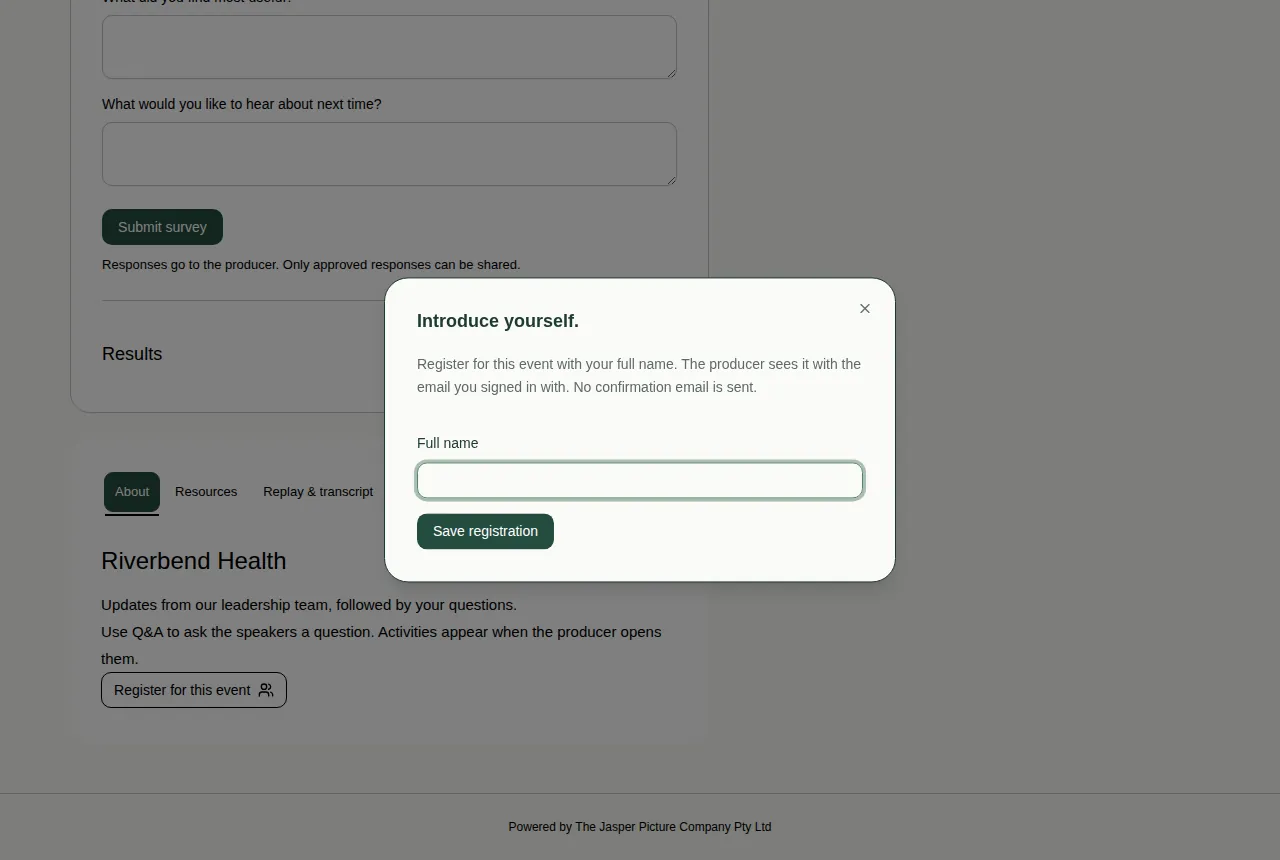
Some events have a Register for this event button on the About tab. It saves your full name for the event team, so they know who you are. It doesn't send you an email.
Steps
- Scroll down to the information tabs under the video, and choose About.
- Choose Register for this event.
- A box called "Introduce yourself." opens. Type your name in Full name.
- Choose Save registration.
- The About tab now says "Registered as" and your name.
Good to know
- The event team sees your name together with the email you signed in with.
- No confirmation email is sent.
- If the button is greyed out, sign in or join the event first. See Sign in with an email code.
- This isn't the same as a sign-up form that you fill in before the event. See Register for an event.
- More about the other tabs: Use the information tabs.