When you can't get in
What to do if the event says it's for invited guests, or your link or pass stops working.
This page helps if you can't get into an event. Find the message you see, then try the fix.
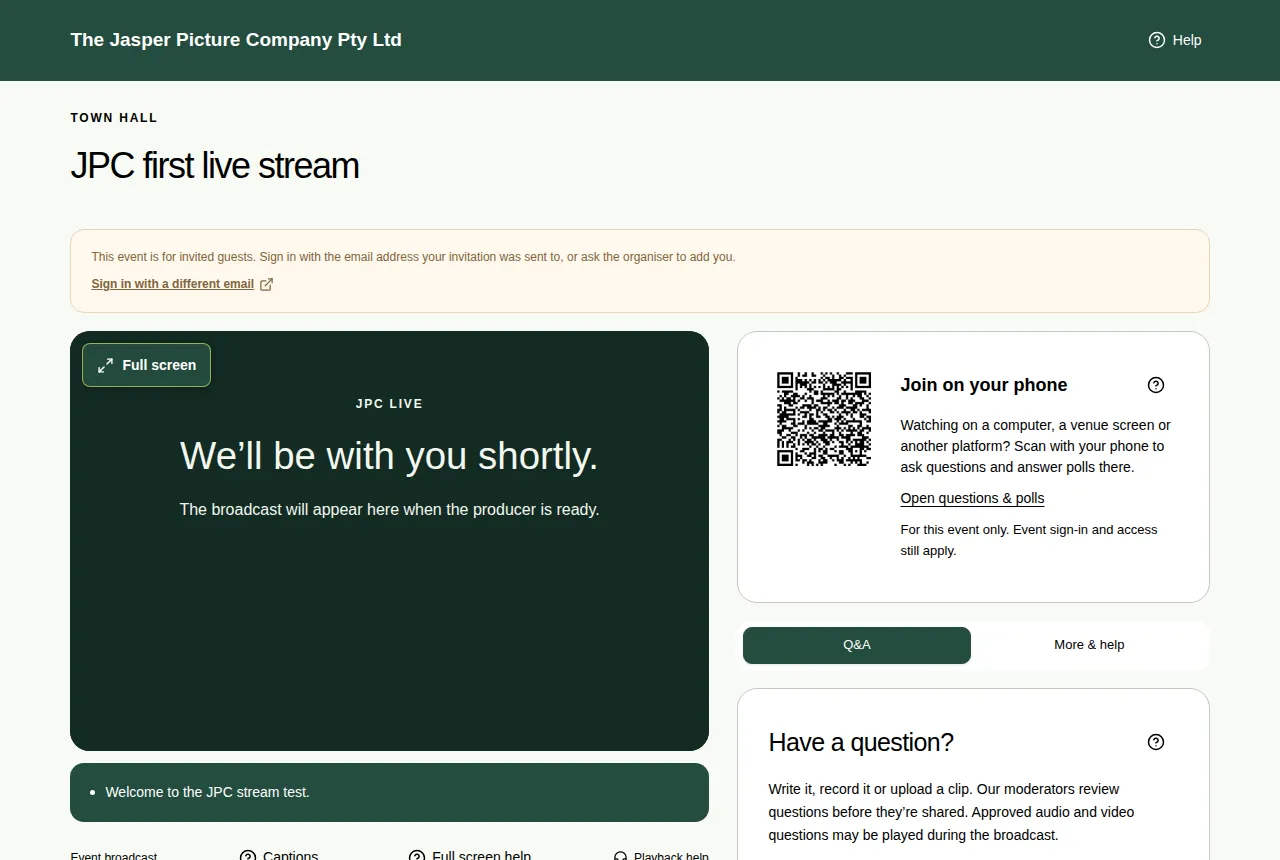
"This event is for invited guests"
If you're signed in with an email that isn't on the guest list, you see: "This event is for invited guests. Sign in with the email address your invitation was sent to, or ask the organiser to add you."
- Choose Sign in with a different email.
- Sign in with the email address your invitation was sent to. See Sign in with an email code.
- If you think you should be on the list, contact the organiser.
Other problems
| Problem | Try this |
|---|---|
| My sign-in code didn't arrive | Wait a minute. Check junk or spam. Check the email address you typed. Ask for a new code. Only the newest code works. |
| "Too many attempts. Please wait a few minutes and try again." | You asked for too many codes. Wait a few minutes, then try again. |
| My guest pass stopped working | Guest passes last 24 hours, for one event. The organiser may also have changed the event so it needs an email. Sign in with your email instead. |
| "Registration for this event has closed" or "This event is full" | The organiser set a closing time or a number of places. Contact the organiser. |
| "This link no longer works" | The registration was cancelled or the link got cut off. Use the link in your latest email, or register again. |
| I can't ask a question or vote | Type your name or sign in first. Questions or polls might be switched off right now. |
| I can't vote at a formal meeting | You need to be on the member register. See If you're not on the register. |
Still stuck?
- On the Sign in page, choose Need help signing in?. It emails the JPC team.
- Once you're in, you can use Ask for help in the More & help tab. See Ask the event team for help.
- More fixes are in Troubleshooting for viewers.