Fix common problems when watching
Quick fixes for viewers: no video, no sound, sign-in codes, questions, polls and captions.
This page is for anyone watching an event. Find your problem, then try the fixes in order.
| Problem | Try this |
|---|---|
| I can see a slide, not the video | The show hasn't started, or the producer hasn't shown it yet. Keep the page open. It changes by itself. |
| The video is stuck or keeps loading | Refresh the page. Try another browser (Chrome, Edge, Safari or Firefox). On a work network, try your phone on mobile data. |
| "The live picture has paused" | Wait a few seconds. It usually comes back by itself. If it hasn't after about 30 seconds, refresh the page. |
| No sound | Tap the video and check the volume on the player and on your device. Check your device isn't on silent. |
| My sign-in code didn't arrive | Wait a minute. Check your junk or spam folder. Check the email address you typed. Ask for a new code. Only the newest code works. |
| "Event access required" | This event is for invited people only. Sign in with the email the organiser invited. Choose Sign in with a different email if you used the wrong one. |
| I can't ask a question or vote | Type your name (or sign in) first. Questions or polls might be switched off right now. To vote at a formal meeting, you need to be on the member register. |
| My question disappeared | It's waiting for the producer to check it. It shows once it's approved. |
| "Please wait a minute before sending more contributions" | You've sent a lot very quickly. Wait a minute and try again. |
| The poll closed before I answered | Polls close when the presenter says so. There's a 10-second grace period for people behind on the stream. |
| Captions don't show | Choose CC on the video. Not every event has captions. |
| It's on Teams or Zoom, not on the page | Choose Open in … to watch there. Come back to this page for questions and polls. |
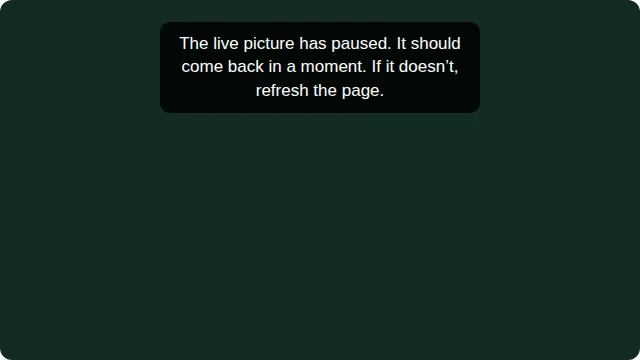
If the page has trouble loading
- "The connection is taking too long. We'll retry automatically." The page keeps trying, so you don't need to do anything.
- "Reconnecting…" The page lost its connection for a moment and catches up by itself. If it stays on "Reconnecting…", refresh the page.
- Try loading again appears if something went wrong. Choose it to try again.
Still stuck?
Use Ask for help in the More & help tab. The producer sees it straight away. See Ask the event team for help.