Use the accessibility features
Captions, keyboard use, text size, colour contrast, phones, reduced motion and screen readers.
This page lists the features that help everyone use the app, including people with disability. The app was checked against the WCAG 2.2 AA standard on 2 October 2026. WCAG is the main international guide for accessible websites.
Features
- Live captions are included in every JPC production. Choose CC on the video to switch them on. See Turn captions on or off.
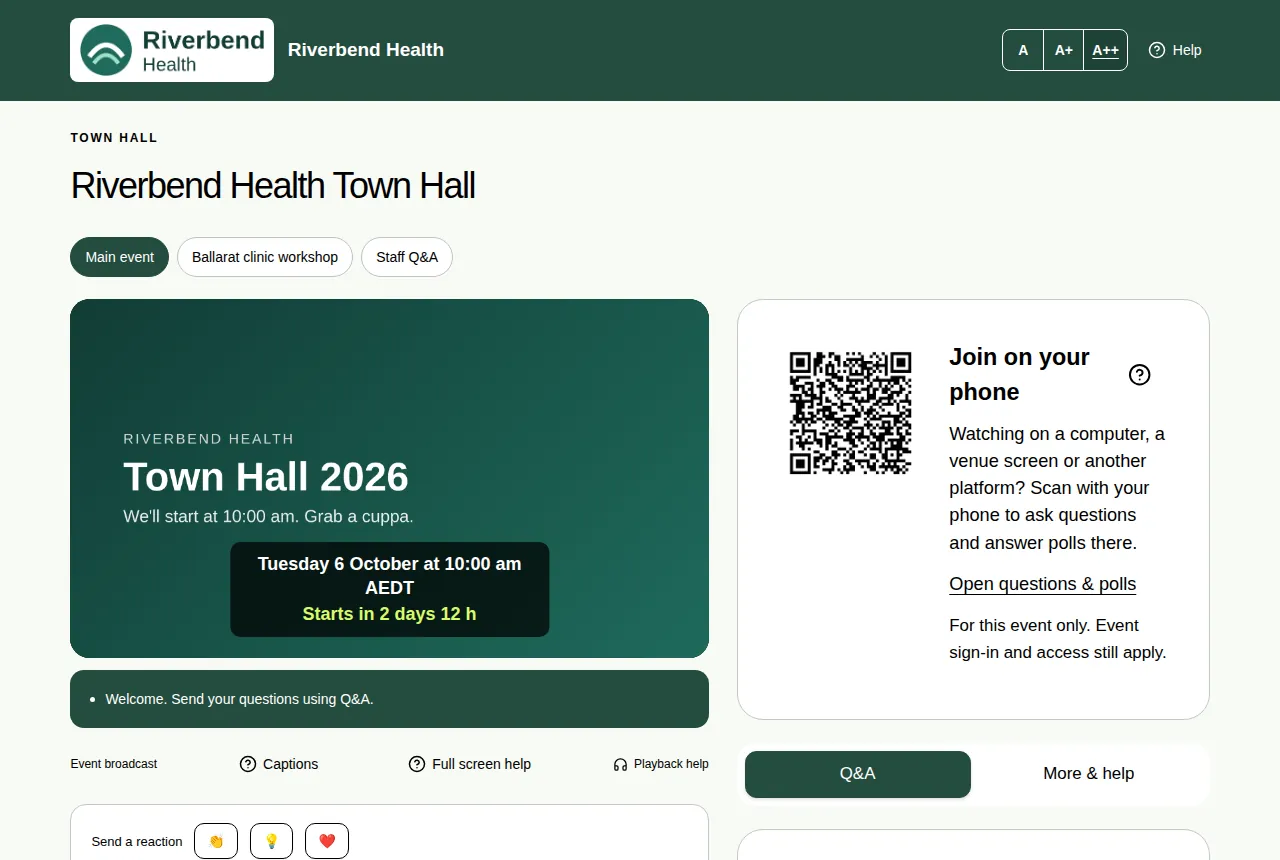
- Text size: the A, A+ and A++ buttons at the top make the questions, polls and event details bigger. See Make the text bigger.
- Keyboard: everything works with the Tab and Enter keys, and you can always see where you are. A Skip to main content link is first on every page.
- Colour contrast meets the AA level, and no text is smaller than 12 pixels.
- Phones: every page fits a small screen without scrolling sideways. See Watch on a phone or tablet.
- Less movement: if your device is set to reduce motion, animations are turned down.
- Voting shows which choice you picked in words, not only colour, and confirms your vote in text. See Cast your vote.
- Screen readers get labels on buttons, and announcements when things change.
Still to do
We still plan a full test with screen readers (NVDA and VoiceOver), and testing with people with disability. The video players belong to the video services we use, so their controls are outside our control.
Need help?
During an event, use Ask for help in the More & help tab. See Ask the event team for help.