Make the text bigger
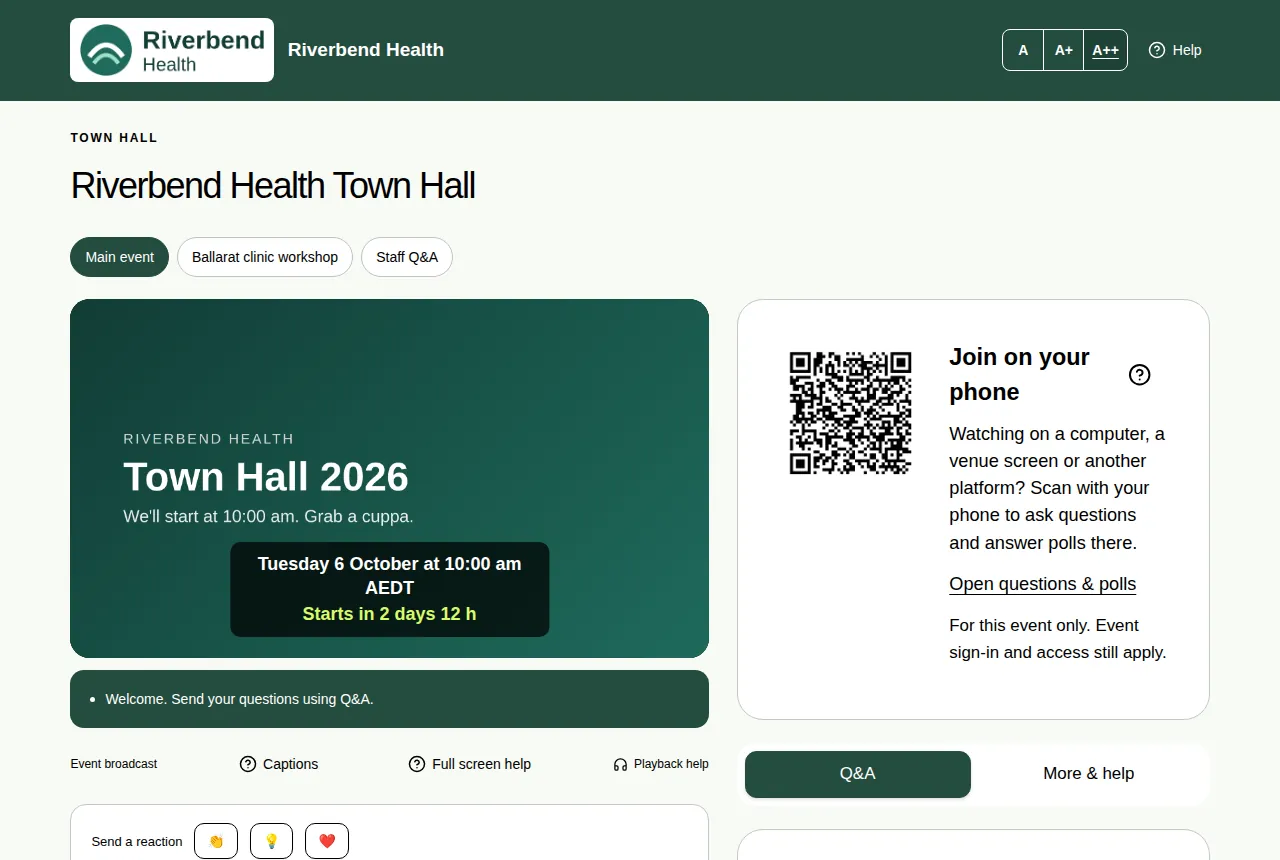
Use the A, A+ and A++ buttons to make questions, polls and event details easier to read.
You can make the words on the event page bigger. This helps if the text is hard to read on your screen.
Steps
- Find the A, A+ and A++ buttons at the top right of the event page.
- Choose A+ for bigger text, or A++ for the biggest text.
- Choose A to go back to the normal size.
Good to know
- The buttons make the questions, polls and event details bigger. The video stays the same size.
- Your choice is remembered on that device, so you don't have to set it again next time.
- For a bigger video, use full screen.
- See Accessibility features for other ways the page helps.