Move between rooms at a multi-room event
Use the room tabs to go to a workshop or back to the main event.
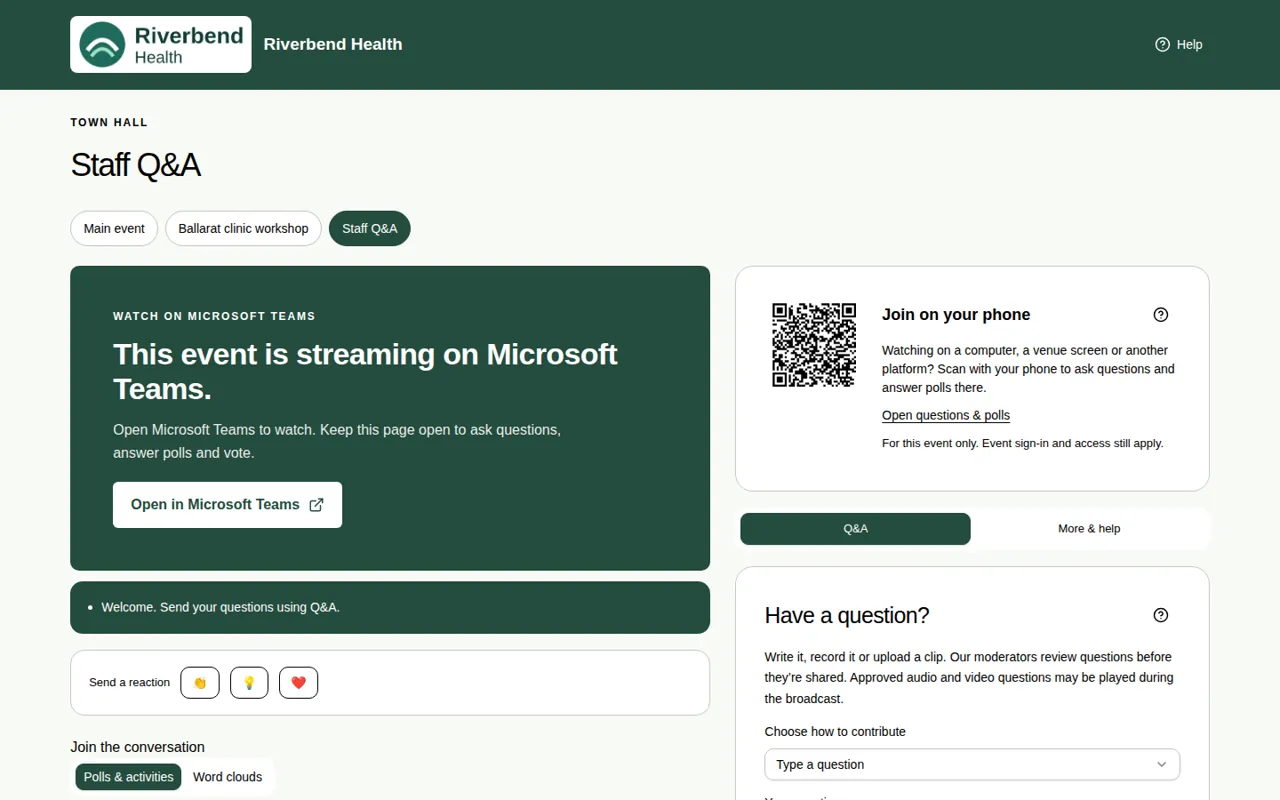
Some events have extra rooms running at the same time, like workshops. These are also called breakout rooms. You choose which room to watch.
Steps
- Look for the tabs under the event name. They show Main event and each room.
- A room that's live has a dot next to it.
- Choose a tab to move to that room.
Messages about rooms
The event team can send everyone a message about rooms:
- "[Room name] is starting now", with a Join now button.
- "Please return to the main event", with a Go back button.
The message stays for 3 minutes. Nobody is moved without choosing to go.
Good to know
- Each room has its own video, questions and polls.
- If there are no room tabs, the event has only one room.
- If you joined with just your name, your guest pass works for the event and its rooms. See Join with just your name.