Fix sound and playback problems
What to try when you can't hear, the video stops or the page won't load.
Use this page if you can't hear anything, the video freezes or the event page has trouble loading. Try the fixes in order.
No sound
- Tap the speaker icon on the video. Many browsers start videos muted.
- Check the volume on the video player and on your device.
- Check your phone or tablet isn't on silent.
The video is stuck or keeps loading
- Refresh the page.
- Try another browser, such as Chrome, Edge, Safari or Firefox.
- On a work network, try your phone on mobile data instead.
"The live picture has paused"
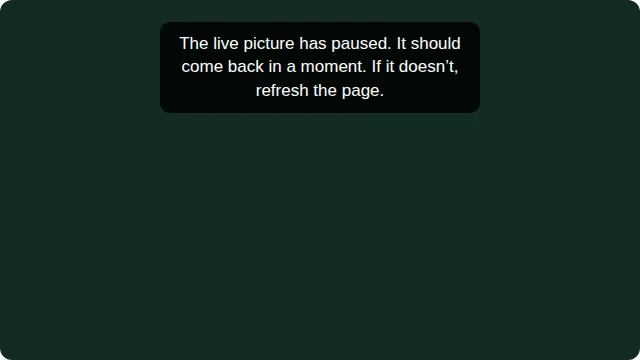
If the live picture stops during the show, you may see this message over the video: "The live picture has paused. It should come back in a moment. If it doesn't, refresh the page."
Wait a few seconds. The picture usually comes back by itself and the message goes away. If it hasn't come back after about 30 seconds, refresh the page.
Messages while the page loads
| Message | What to do |
|---|---|
| "The connection is taking too long. We'll retry automatically." | Nothing. The page keeps trying. |
| "Reconnecting…" | Nothing. The page lost its connection for a moment and catches up by itself. If it stays on "Reconnecting…", refresh the page. |
| Try loading again | Choose it to try again. |
The page pauses its checks while you're on another browser tab, then catches up when you come back.
Still not working?
- Choose Playback help under the video. It has tips on sound and refreshing, and a Contact event support button that emails the JPC production team.
- Or use Ask for help in the More & help tab. See Ask the event team for help.
- Seeing a slide instead of the video? See Before the event starts.
- More fixes are in Troubleshooting for viewers.