Send a reaction
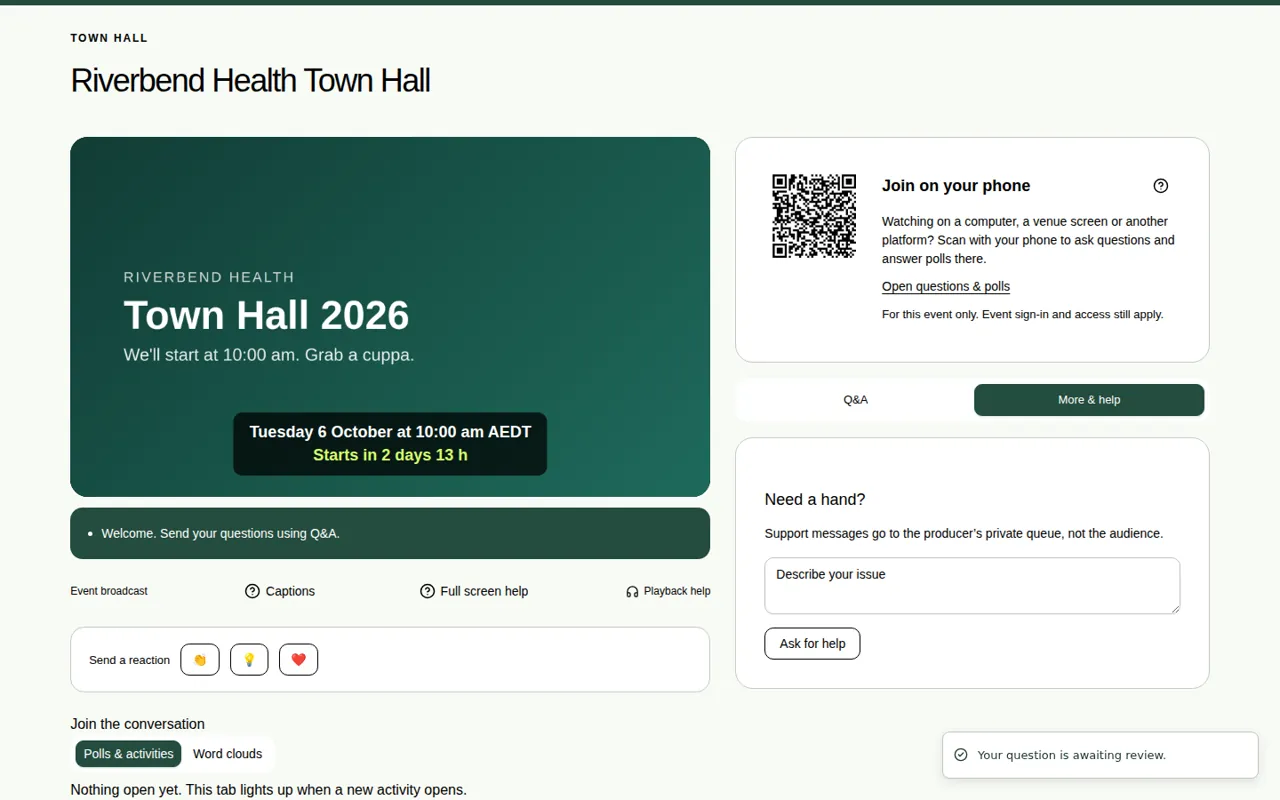
Tap applause, good idea or love this to show how you feel about the event.
Reactions are a quick way to show how you feel, without typing anything. There are three: applause 👏, good idea 💡 and love this ❤️.
Steps
- Find Send a reaction under the video.
- Tap 👏, 💡 or ❤️.
- To change your reaction, tap a different one. It swaps.
Good to know
- Each person has one reaction at a time.
- The page shows how many people have reacted.
- To react, you need to have joined the event first. At some events you type your name, and at others you sign in. See Join with just your name.
- If you can't see Send a reaction, the organiser has switched reactions off for this event.