Take part on your phone with the QR code
Watch on a big screen and ask questions or answer polls from your phone.
If you're watching on a big screen, a TV or another platform, you can still take part from your phone. A QR code is a square barcode your phone camera can read to open a web page.
Steps
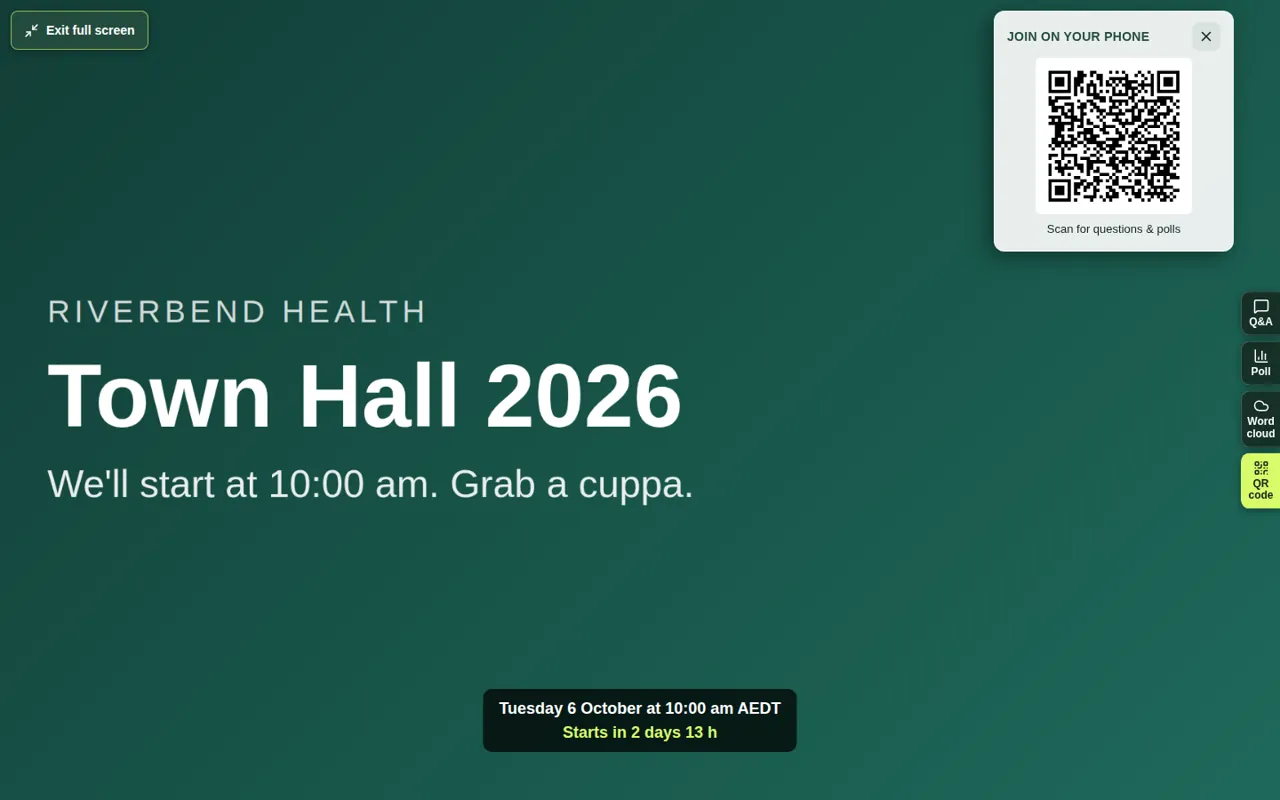
- Find Join on your phone on the event page. It has a QR code.
- Open your phone's camera and point it at the QR code.
- Tap the link that appears.
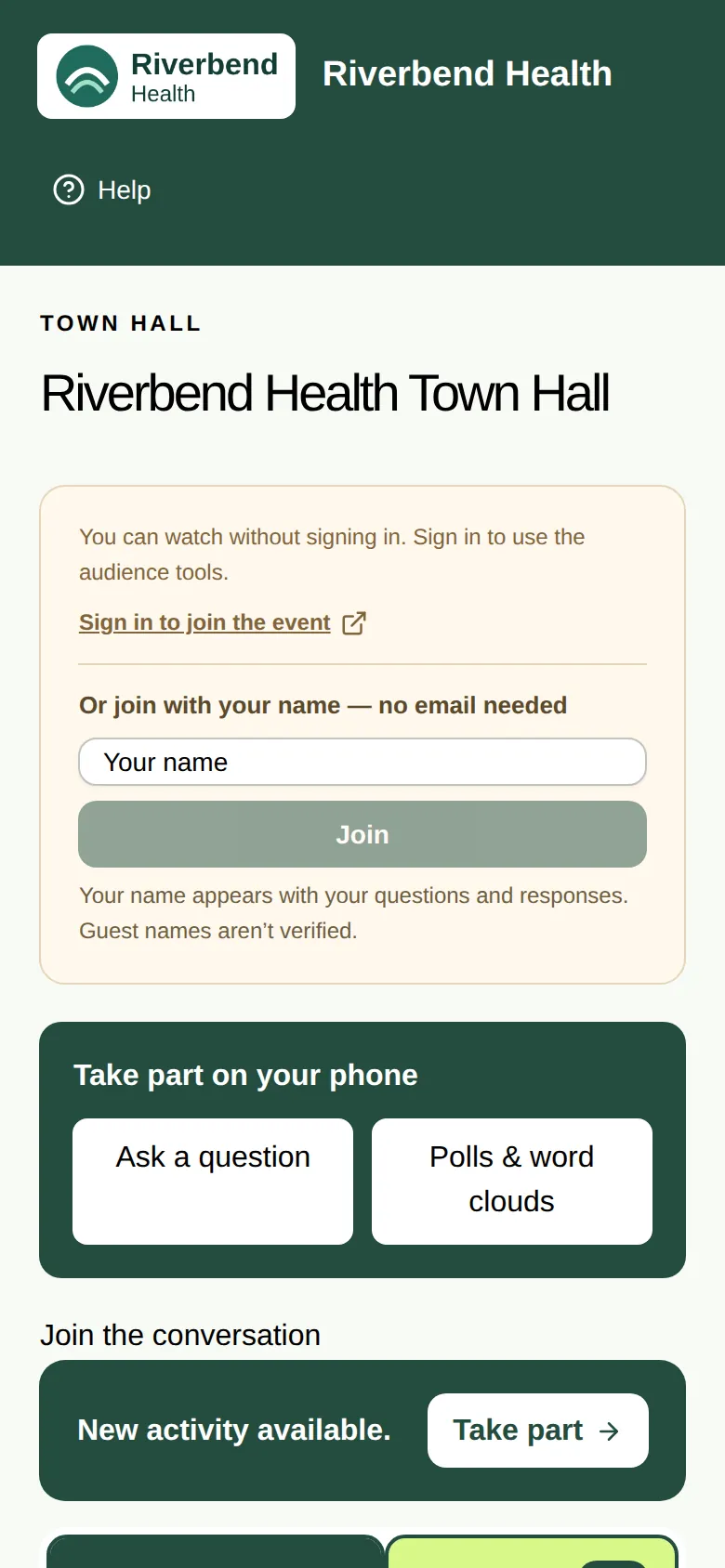
- Your phone opens a simple page with Ask a question and Polls & word clouds. The video stays on your big screen.
Good to know
- In full screen, choose the QR code tab on the right to show the code. See Watch in full screen.
- On the same device, Open questions & polls opens the same page without scanning.
- The QR code is a shortcut, not an invitation. You still need to sign in or join in the usual way for that event. See Join with just your name or Sign in with an email code.
- If you can't see the QR code, the organiser has switched it off for this event.