Add to a word cloud
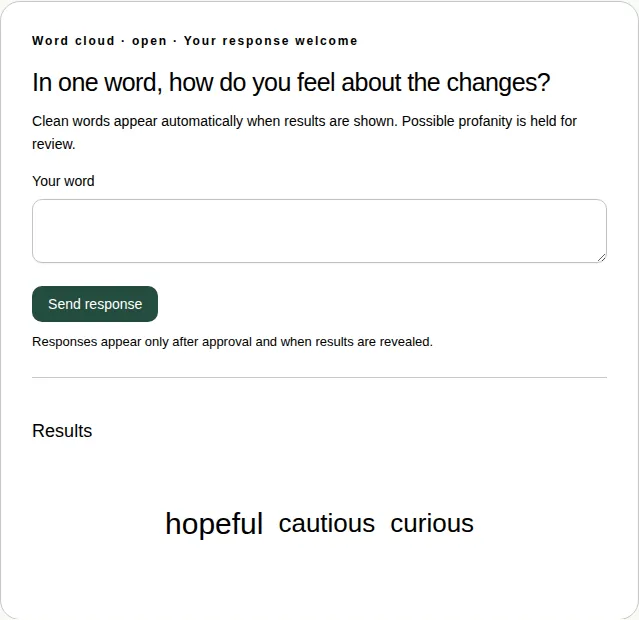
Send one word or a short phrase. The most popular words show biggest.
A word cloud collects one word or short phrase from everyone. The most popular words appear biggest.
Steps
- Open the Word clouds tab under Join the conversation.
- Type one word or a short phrase in Your word. You can use up to 40 characters.
- Choose Send response. In full screen, choose Add.
Good to know
- You get one word each. Sending again replaces your word.
- Clean words appear straight away once results are showing.
- Possible rude words are held for the producer to check.
- You can add a word in full screen too. See Which activities work in full screen.