Answer a multiple choice poll
Pick one answer in a poll, and change it while the poll is open.
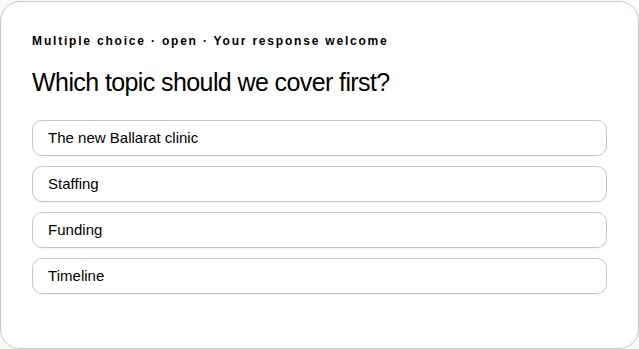
A multiple choice poll asks a question and gives you a list of answers to pick from.
Steps
- Open the Polls & activities tab under Join the conversation.
- Read the question.
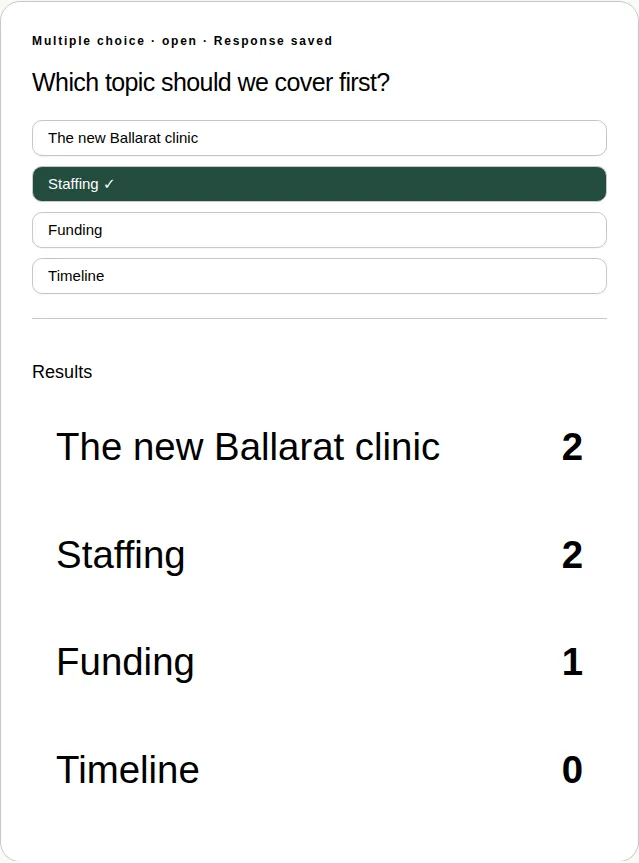
- Tap your answer. A tick ✓ shows next to it, and the card says Response saved.
- Changed your mind? Tap a different answer while the poll is open. Only your latest answer counts.
Seeing the results
You see the results once the producer chooses to show them. They appear under your answer, with the number of people who chose each one.
Good to know
- Polls close when the presenter says so. If you're a little behind on the stream, you get about 10 extra seconds.
- You can answer polls in full screen too. See Which activities work in full screen.
- This isn't the same as voting at a formal meeting, like an AGM. See Cast your vote on a resolution.