Take part in full screen
Which activities you can answer without leaving full screen.
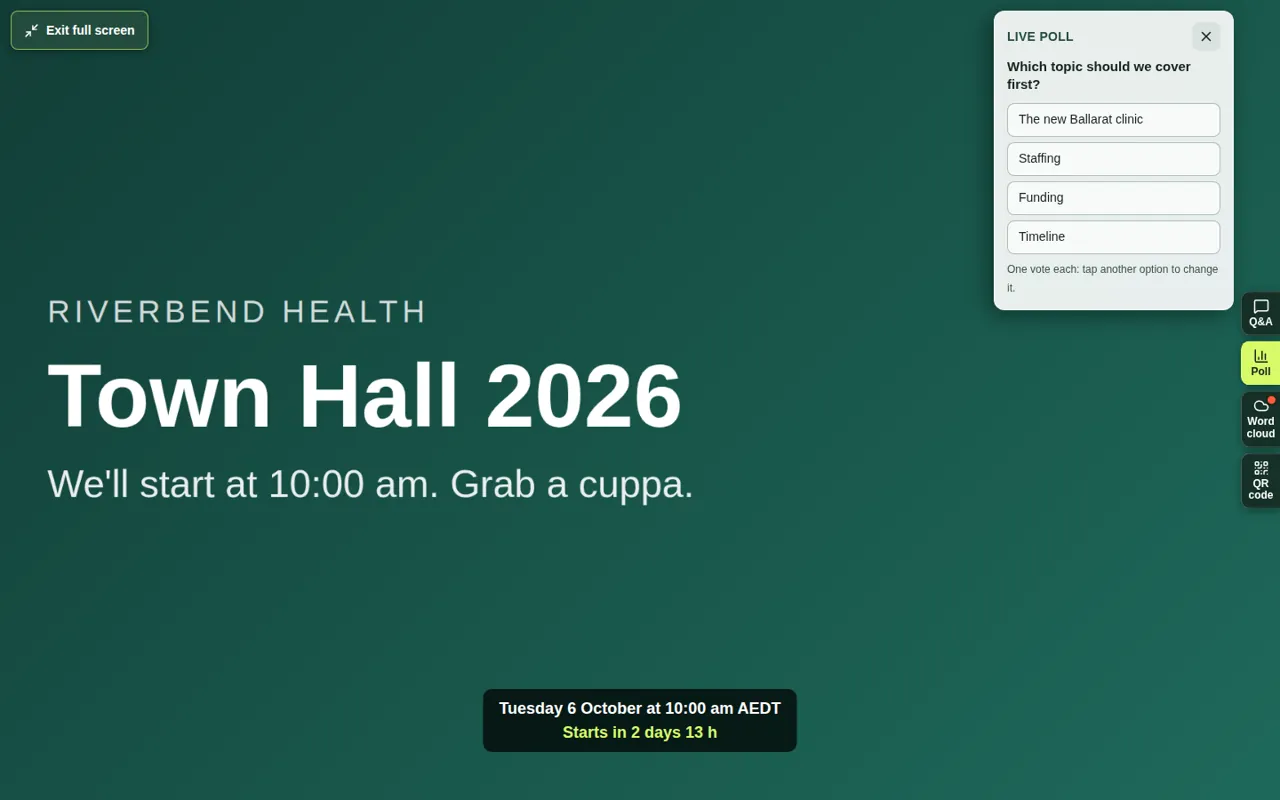
In full screen, small tabs on the right of the video let you take part without leaving. Some activities work there, and some don't. This page shows which is which.
To open full screen, see Watch in full screen.
| Activity | Main page | Full screen |
|---|---|---|
| Multiple choice | Yes | Yes (Poll tab) |
| Rating | Yes | Yes (Poll tab) |
| Timed quiz | Yes | Yes (Poll tab) |
| Word cloud | Yes | Yes (Word cloud tab) |
| Ranking | Yes | No |
| Open text | Yes | No |
| Survey | Yes | No |
Good to know
- When a new poll or word cloud opens, its tab gets a red dot and a message pops up, such as “New poll: tap to take part”.
- In a poll, you can change your answer while it's open by tapping another option. In a quiz, your first answer is final.
- In the Word cloud tab, type your word and choose Add. Sending again replaces your word.
- To answer a ranking, open text question or survey, choose Exit full screen or press Escape, then answer on the main page.
- The Q&A tab works in full screen too. See Ask a question.