Put a list in order
Move items up and down to rank them from most to least important.
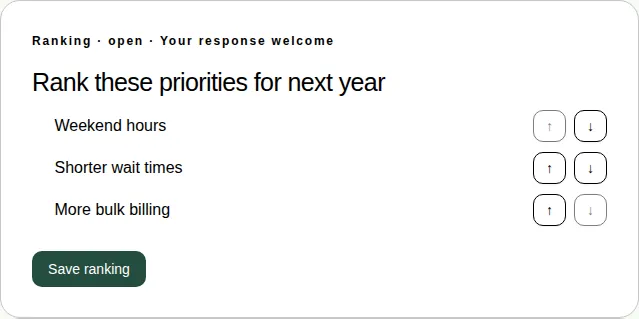
A ranking asks you to put a list in order, from most important at the top to least important at the bottom.
Steps
- Open the Polls & activities tab under Join the conversation.
- Use the ↑ and ↓ buttons next to each item to move it up or down.
- When the list is in your order, choose Save ranking.
How the results work
Results are shown as points. Your first choice gets the most points, and your last choice gets 1 point. For example, with three items, first place gets 3 points, second gets 2 and third gets 1.
You see the results once the producer chooses to show them.
Good to know
- Rankings can't be answered in full screen. Leave full screen to answer. See Which activities work in full screen.