Complete a survey
Answer a short set of questions on one card.
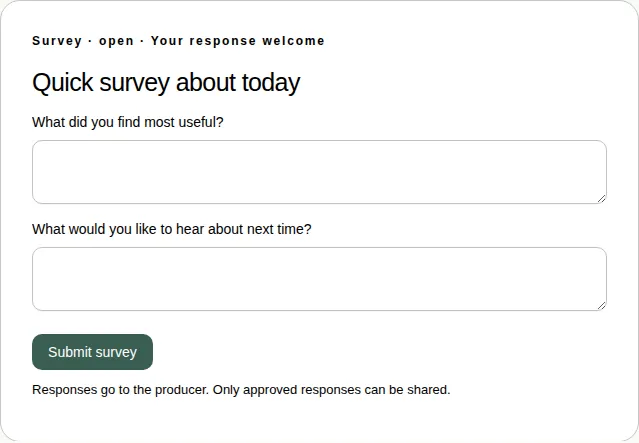
A survey has a few questions on one card, up to 10.
Steps
- Open the Polls & activities tab under Join the conversation.
- Answer every question in its own box.
- Choose Submit survey.
Good to know
- Your answers go to the producer. They're only shared if the producer approves them.
- Surveys can't be answered in full screen. Leave full screen to answer. See Which activities work in full screen.
- To tell the organiser what you thought of the whole event, see Leave feedback after the event.