Give a rating from 1 to 5
Rate something from 1 (lowest) to 5 (highest).
A rating asks you to score something from 1 to 5. 1 is the lowest and 5 is the highest.
Steps
- Open the Polls & activities tab under Join the conversation.
- Read the question.
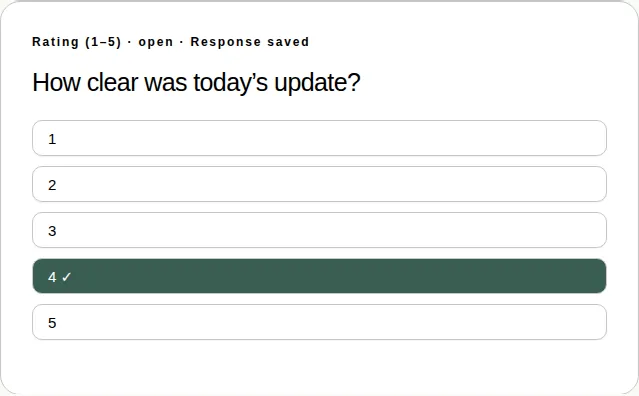
- Tap a number from 1 to 5. A tick ✓ shows next to it, and the card says Response saved.
- To change it, tap a different number while the rating is open.
Good to know
- You see the results once the producer chooses to show them.
- You can give a rating in full screen too. See Which activities work in full screen.
- To rate the whole event afterwards, see Leave feedback after the event.