Answer an open text question
Type a longer answer in your own words.
An open text question asks you to write a longer answer in your own words.
Steps
- Open the Polls & activities tab under Join the conversation.
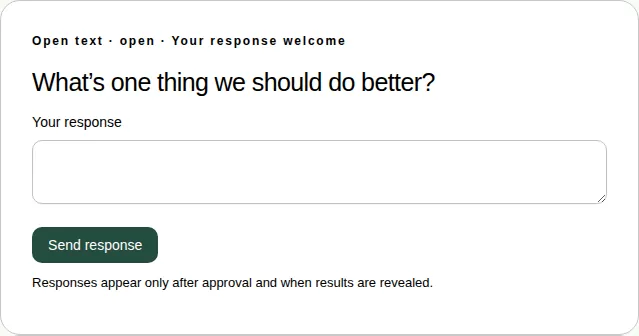
- Type your answer in Your response. You can use up to 1,000 characters.
- Choose Send response.
Good to know
- The producer checks each answer before anyone else can see it.
- Open text questions can't be answered in full screen. Leave full screen to answer. See Which activities work in full screen.