Download the meeting records
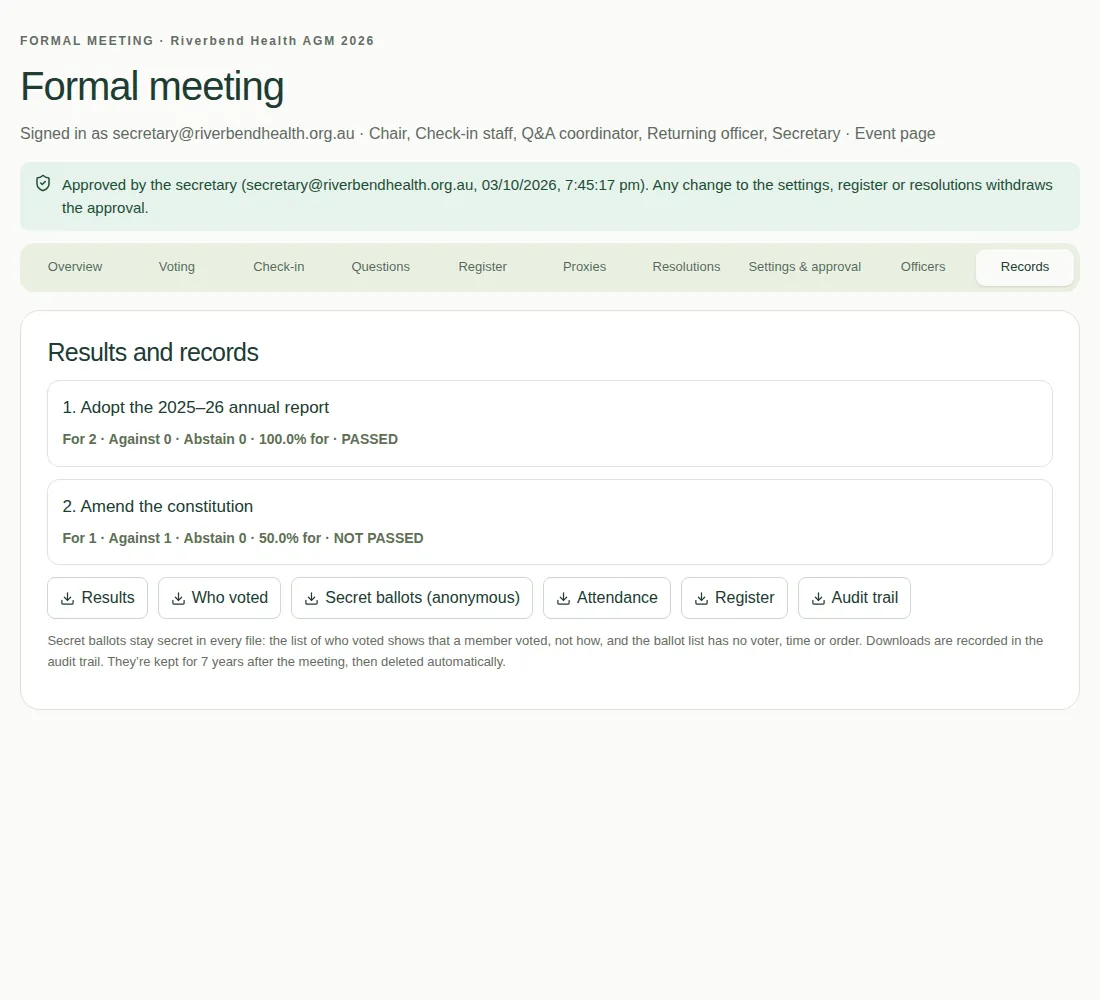
Download results, who voted, attendance, the register and the audit trail, and know how long they're kept.
The Records tab has the results and spreadsheets for your minutes. Use it after the meeting.
What you can download
| Download | What's in it |
|---|---|
| Results | Each resolution, its counts, and whether it passed |
| Who voted | Who voted and how. For secret ballots, it shows only that the member voted. |
| Secret ballots (anonymous) | The choices, with no names, times or order |
| Attendance | Who attended, how, and when |
| Register | The register and who could vote |
| Audit trail | Every action, who did it and when |
Good to know
- Secret ballots stay secret in every file.
- Every download is recorded in the audit trail.
- The question register has its own downloads. See Keep the question register.
How long records are kept
Meeting records (the register, proxies, votes, questions and audit trail) are kept for the number of years in Keep the meeting’s records for (years) in the meeting settings. The default is 7 years. The time is counted from the meeting. After that, the records are deleted automatically.