Approve the meeting and email voting links
The secretary approves the settings, register and resolutions, then sends each voter a personal link.
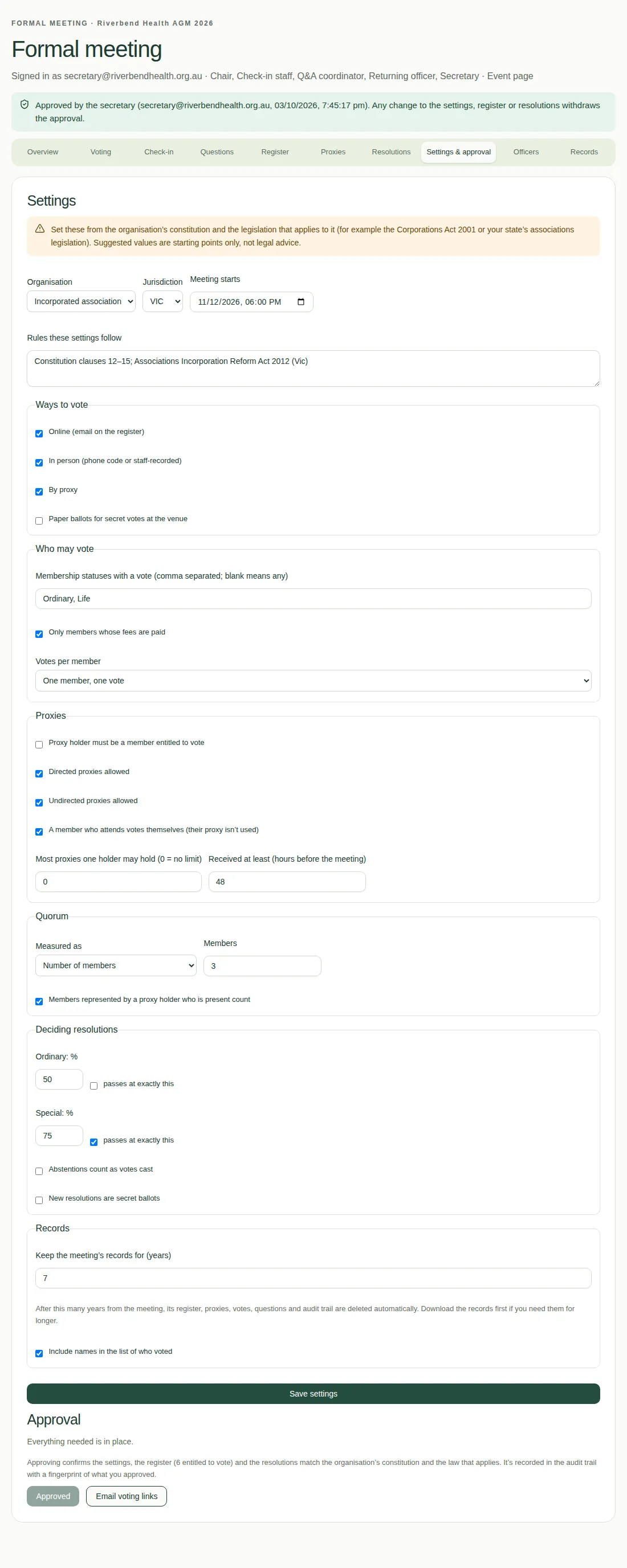
The chair can't open voting until the secretary approves the meeting. Approving confirms that the settings, register and resolutions match your constitution and the law.
Steps
- Open the Settings & approval tab and go to the bottom.
- Read the list of anything still missing, such as "Add at least one resolution." or "Name the chair, who opens and closes voting." Fix each one.
- When it says "Everything needed is in place.", choose Approve for voting.
- Choose Email voting links. Each member who can vote, and each accepted proxy holder, gets their own one-time link by email.
Good to know
- The approval goes into the audit trail with a fingerprint of what was approved. The audit trail is a record of every action, who did it and when.
- Any later change to the settings, register or resolutions takes the approval away. Approve again after you've made the change.
- Online voting uses the email on the register. See Load the member register.
- For what members see when they open their link, see Get in to vote.