Check members in at the venue
Check people in, give them a phone voting code, record their vote at the desk, or check in a proxy holder.
Check-in staff use the Check-in tab at the venue. Checking someone in counts them as present in person.
Check in a member
- In Find a member, type at least 2 letters of their name, member number or email.
- Choose Check in. To undo it, choose Check out.
Let them vote
Choose one of these:
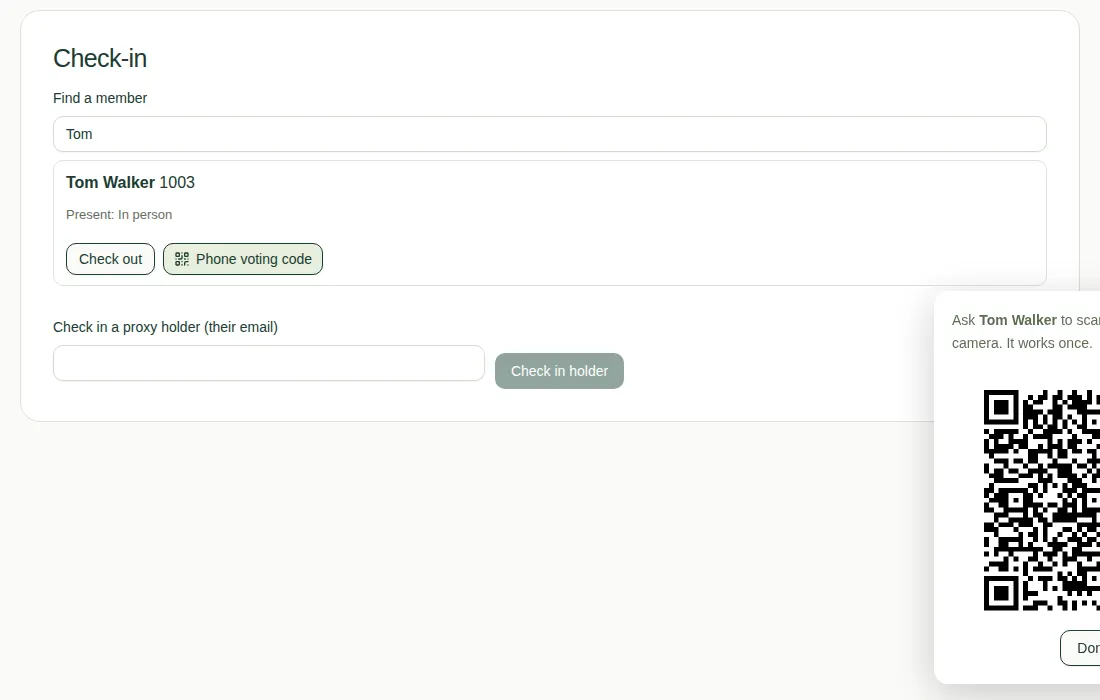
- On their phone: choose Phone voting code and ask them to scan the QR code with their phone camera. It works once.
- At the desk: record their vote with For, Against or Abstain.
For secret ballots, don't record the vote at the desk. Give them a phone voting code or a paper ballot instead.
Check in a proxy holder
- Type their email in Check in a proxy holder (their email).
- Choose Check in holder.
All the proxies they hold now count as present.
Good to know
- See who's present on the Overview tab. See Track attendance and quorum.
- If a member isn't on the register, see If you're not on the register.
- For paper ballots, see Enter paper ballot counts.