Set the message under the video
Show viewers a short line of text under the video player, such as when questions open.
The message under the video is a short line viewers see under the player. Use it for things like "Questions open at 7:30". This page is for producers.
Steps
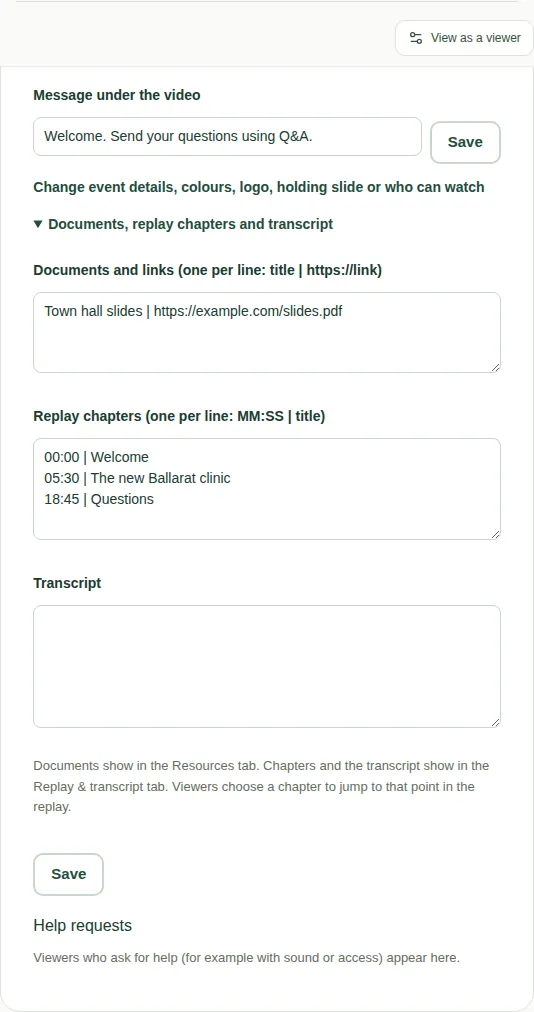
- On the producer page, find the Event settings box.
- Type your words in Message under the video. You can use up to 300 characters.
- Choose Save.
To change it, type new words and choose Save again.
Good to know
- For a message that pops up over the video for about 15 seconds, use an announcement instead. See Send an announcement.
- Help requests from viewers are in the same Event settings box. See Answer help requests.